

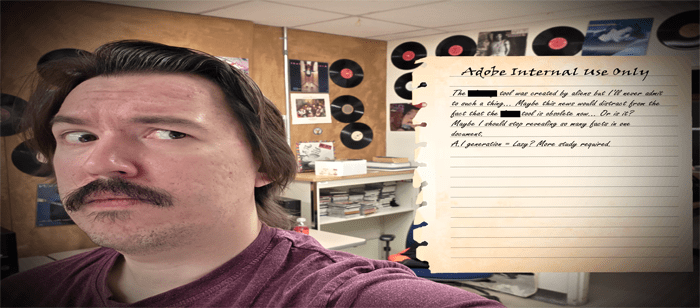
Top 3 Photoshop Tools that Big Adobe is Hiding from You
By Adrian Amon on January 22, 2026

Photo by Tyler on Unsplash
Who would have thought that creating a fake headline would reveal so many of Big Adobes dark secrets?
Big Adobe is hiding many secrets in the most obtuse spot that you could ever imagine… That’s right! Your Adobe product itself.
Dark Secret #1: Photoshops Magnetic Lasso Tool

Do you have a shaky hand? Does the lasso tool require too much precision? Well, if you right click this icon, you can find the forbidden… Magnetic Lasso Tool. This tool is kind of like your first high school girlfriend… Clingy.
This tool will try to automatically attach itself to your subjects’ edges. Don’t like a selection? Resize your cursor and ALT+CLICK the area to remove it.
Or use the auto remove feature… I GUESS.
Dark Secret #2: The Magic Eraser Tool

We just talked about the lack of precision… But what if manually erasing large swaths of your image are too daunting and time consuming?
Well… Much like the friends you had from high school it’s time to make that issue disappear.
By ALT + CLICKING a solid color like an all-white background and then clicking on it with the magic eraser you can watch it all go away… Is the color still sticking onto the subject? Adjust the tolerance in the top right and if that doesn’t work…
Or just use the AUTO SELECT SUBJECT feature… I GUESS.
Dark Secret #3: The Defringe Tool
What is fringe? Have you ever edited a subject out of your photo and noticed that white or black pixels seem to be hanging on the edge? You could mask and erase that all manually… Or you could just click Layer at the top, click Matting, and click Defringe.
Define how many pixels you need defringed and watch Photoshop do all the work.
Pure evil.
Header Photo by Adrian Amon.